
Last updated November 18, 2026
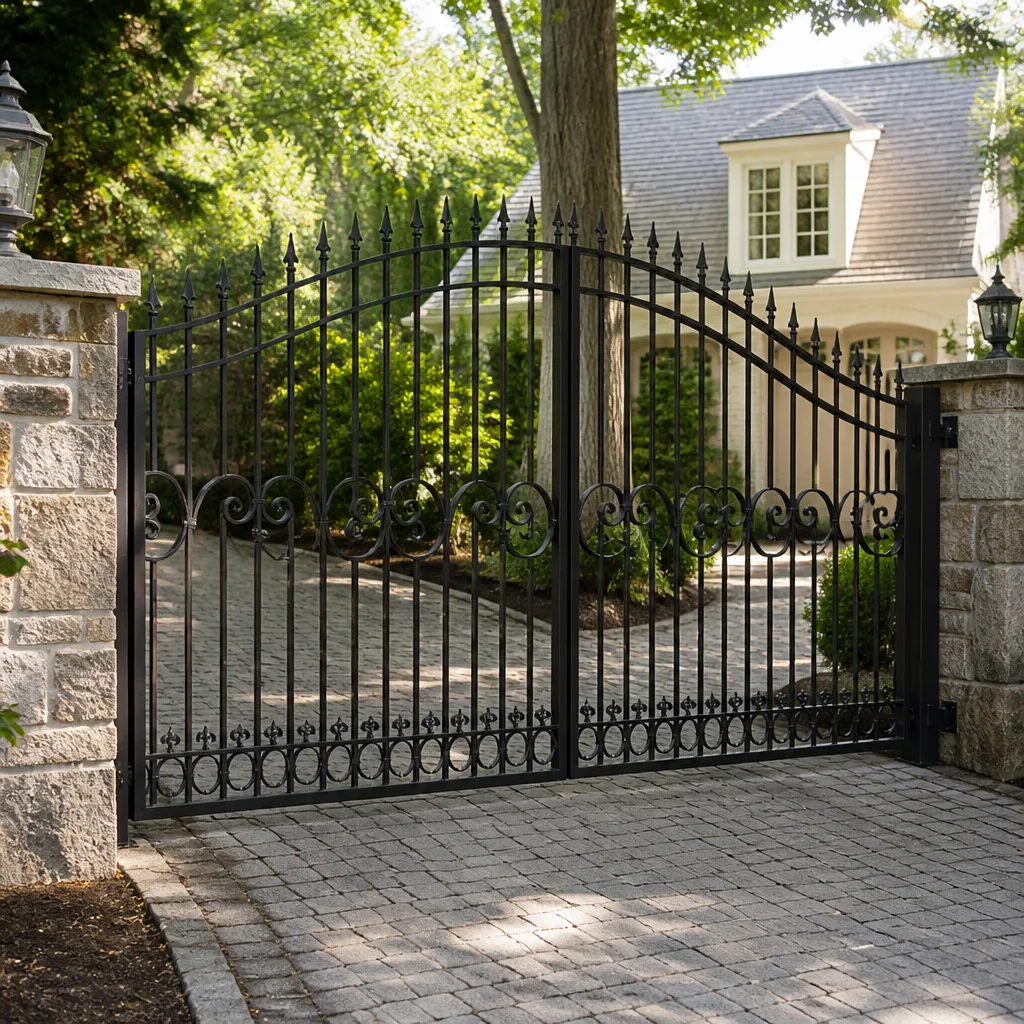 Wrought iron
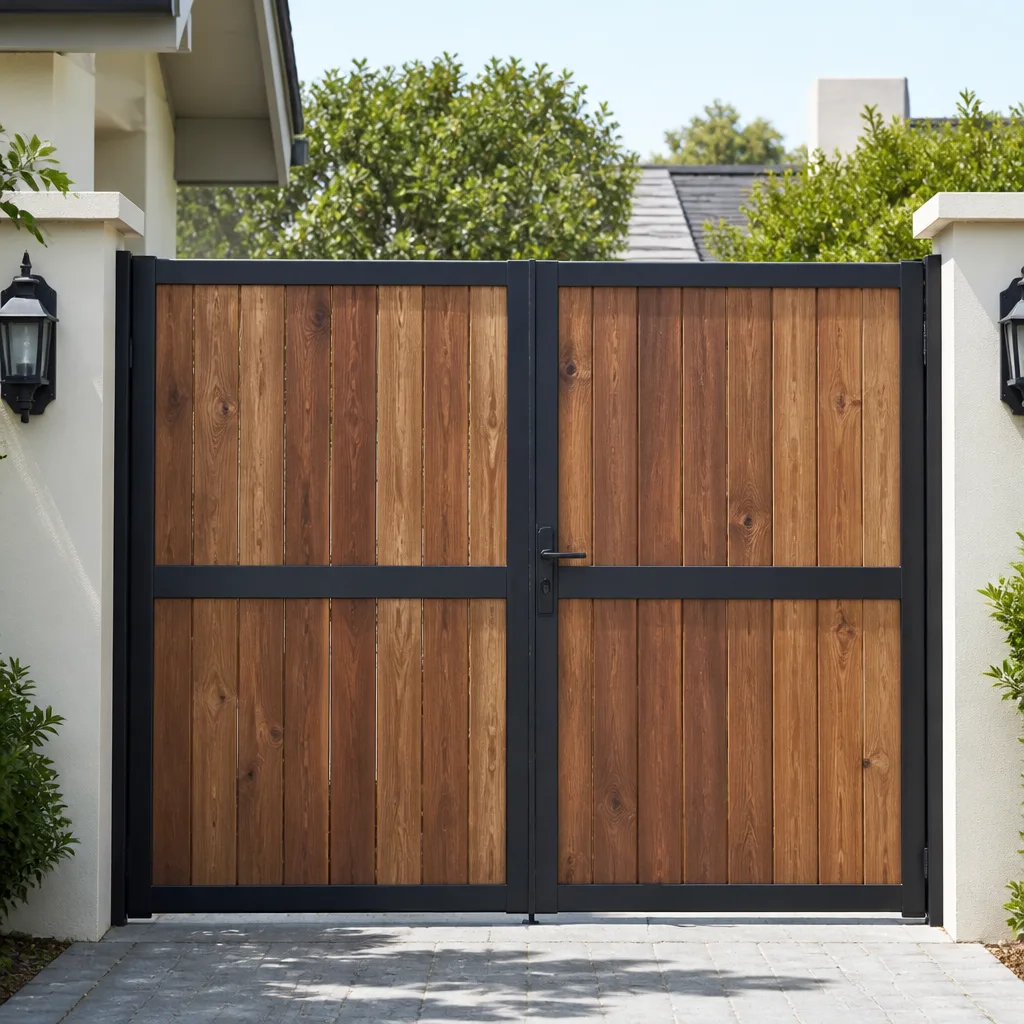 Wood & steel frame
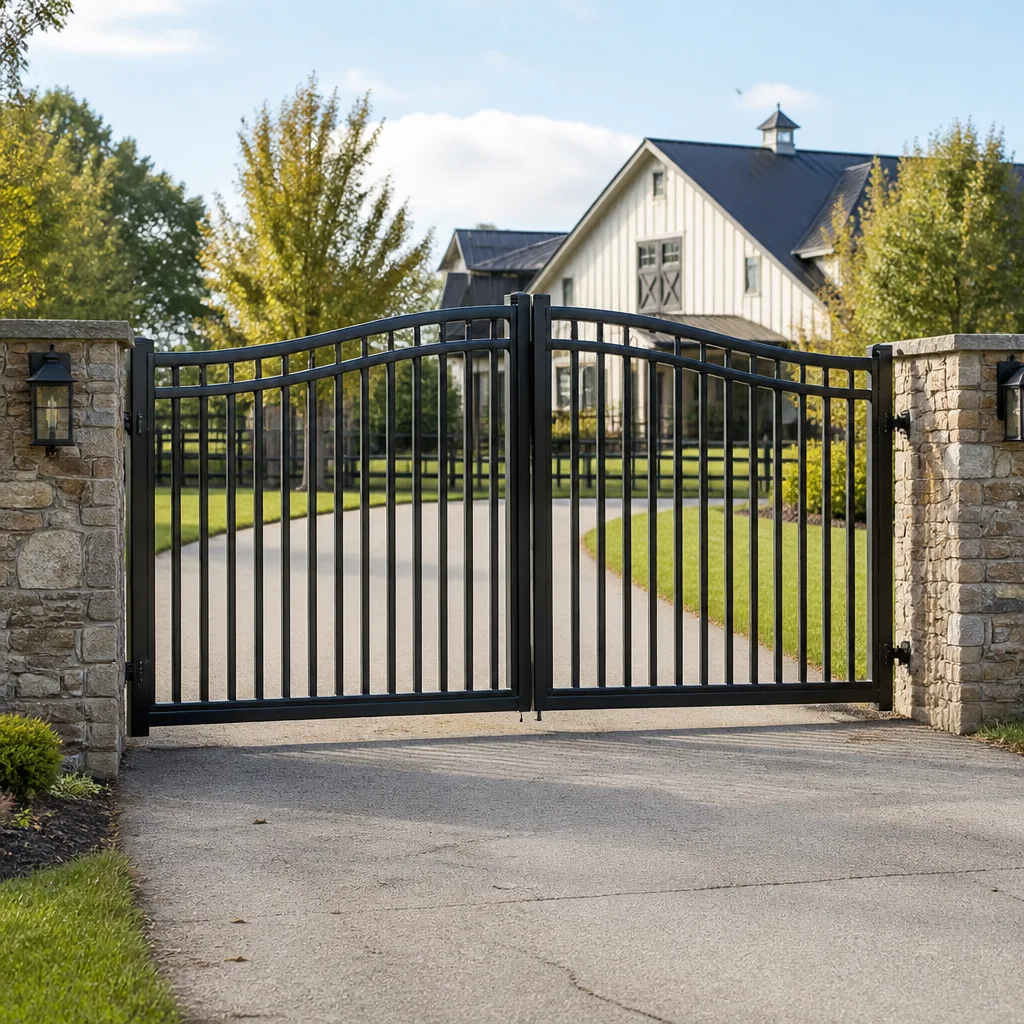 Farm & ranch
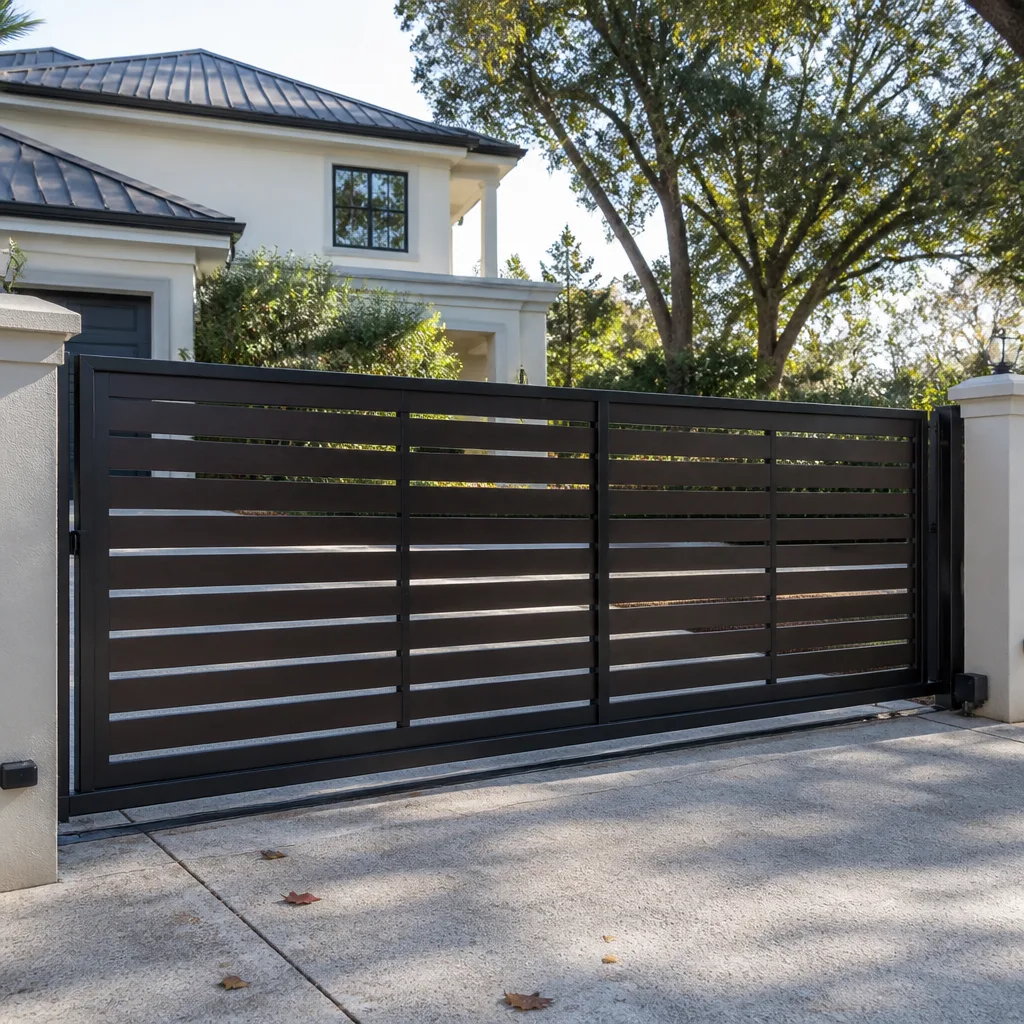 Sliding driveway gates
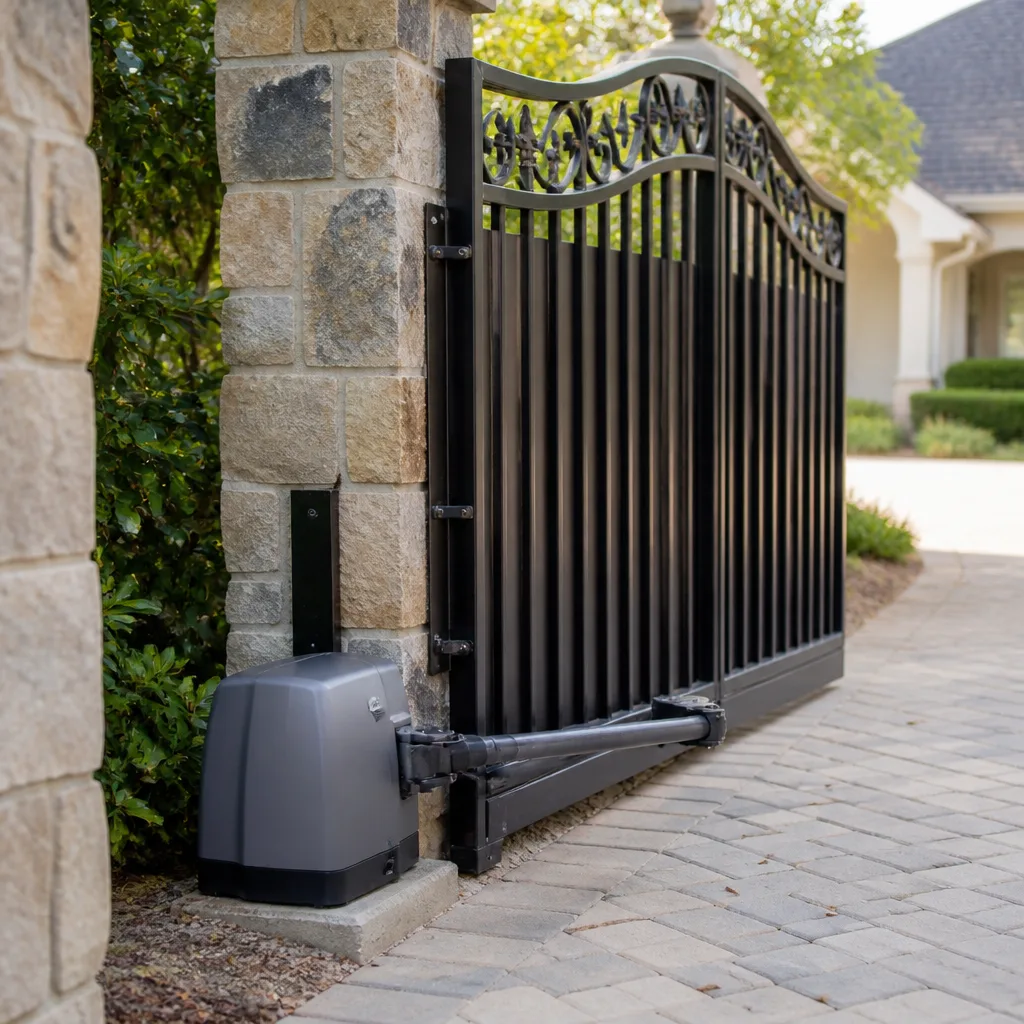 LiftMaster operators
Free on-site gate assessment - hinges, posts, and your LiftMaster or Nice gate operator checked before anything is quoted
The assessment is free and the quote is the invoice.
Get your free estimateGate Access Control Troubleshooting: Common Problems and How to Fix Them
Every time we get a call that someone can’t get in and “the system isn’t responding,” the first question is always the same: when did you last look at the terminal block inside that reader housing? Almost nobody has. They’ve been staring at the software dashboard instead, resetting credentials and rebooting controllers, while the actual problem is a wire lug that has been quietly corroding in the desert air for two summers. Here’s the truth after years of working gates across the east valley: most access control failures aren’t clever software attacks or firmware bugs. They’re physical. This guide covers the unglamorous checks that fix the bulk of problems we see in Sunrise Manor, in the order you should actually perform them.
Quick Answer
Most gate access control problems come down to three physical culprits: low voltage at the reader, a loose or corroded wire termination, or a bad ground connection. Before you touch a single setting in the software, meter the power supply, inspect the terminal block, and confirm the ground. If those three are clean, then you isolate the fault layer by layer: credential, then reader, then controller, then the operator’s relay input. That sequence solves the large majority of failures without a laptop ever being opened.
Styles & brands we work with
- Wrought iron
- Wood & steel frame
- Farm & ranch
- Sliding driveway gates
- LiftMaster operators
Table of Contents
- Start With the Physical Checks Before Any Software
- Is It the Credential, the Reader, or the Controller?
- Communication Faults Between Reader and Gate Operator
- Cloud-Connected Systems and Offline Behavior
- When It’s a Design Problem, Not a Repair Problem
- What Makes Sunrise Manor Access Control Different
- Common Mistakes to Avoid
- When to Call a Professional
Start With the Physical Checks Before Any Software
We’ve tracked enough callbacks to know roughly where the failures live, and it isn’t the cloud. Roughly 70% of the access control issues we get called out for in Sunrise Manor trace back to something you can see with your eyes and confirm with a multimeter. A keypad that “stopped accepting codes” is usually a keypad getting 9 volts instead of 12. A card reader that works in the morning and fails by afternoon is usually a termination screw that backed off a quarter turn and is now making intermittent contact as the housing heats and cools.
Work through this sequence before you open any admin panel:
- Meter the supply voltage at the reader. Measure at the reader’s own terminals, not back at the power supply. If you read more than about a volt below the nameplate rating, the run is too long, the wire is too thin, or the supply is failing.
- Check every termination. Pull-test each wire at the terminal block. Look for green copper, whitened aluminum, or a lug that spins. In our dry climate the visible corrosion is often less obvious than the hidden kind, so a snug tug tells you more than the eye does.
- Verify the ground. A floating ground turns a reader into a random-number generator. Confirm the ground wire is continuous from the reader housing to the earth ground at the panel and that the connection is tight and clean.
- Inspect the housing and gasket. A reader full of dust and fine grit from the open desert will fail on the contacts long before the electronics give up.
- Check for water intrusion at the post. Monsoon-season splash and sprinkler overspray both find their way into bases that were never sealed properly.
If all five pass, you’ve just saved yourself an hour of software guessing. If one fails, you’ve probably found the whole problem. This is the same approach we bring to gate repair in Sunrise Manor: confirm the physical layer first, because fixing software on top of a bad wire is how a one-hour call becomes a three-visit headache.
Is It the Credential, the Reader, or the Controller?
When a single person can’t get in, the instinct is to assume the system is broken. Usually it isn’t. The system is doing exactly what it was told, and the credential in that person’s hand simply isn’t in the controller’s memory anymore. Maybe they were removed during a tenant turnover and never re-added. Maybe their fob was cloned from an old batch that got purged. The fastest path is to isolate which layer is actually failing, and you do that by testing one variable at a time.
Here’s the isolation sequence we use:
- Test the suspect credential on a second reader. If it fails there too, the credential is the problem, not the door.
- Test a known-good credential on the suspect reader. If a working card also fails, the reader or its wiring is the fault.
- Check the controller’s event log. A denied read that appears in the log means the reader is fine and the controller is rejecting the credential. A read that never appears at all means the signal never made it to the controller, which points back at wiring or the reader.
- Re-add the credential and retest. If it works after re-adding, the memory lost it. If it fails again immediately, the reader is mangling the data and needs replacement.
The event log is the single most underused tool on these systems. It tells you which of the three layers dropped the ball in about thirty seconds. In Sunrise Manor, where a lot of properties change hands and tenants come and go, a stale credential database is one of the most common “system down” calls we get. The fix is a database cleanup, not a service visit. But if the log stays silent and the reader is getting good voltage, that’s when the person who shows up needs to put hands on the hardware.
Communication Faults Between Reader and Gate Operator
Here’s the classic symptom: the reader beeps, the light goes green, everyone agrees the credential was accepted, and the gate doesn’t move. The access panel did its job. The unlock signal either never left it or never arrived at the operator. You need to prove which, and you can do that without a laptop by testing the relay output independently.
Disconnect the two wires running from the access panel’s relay output to the gate operator’s input terminals. Then jumper across the operator’s input terminals directly, briefly. If the gate opens, the operator is healthy and the fault is upstream in the panel or the wiring between them. If the gate stays put when you jumper the input, the operator is ignoring the command and the problem isn’t access control at all. This one test splits the system in half and saves a lot of time.
Once you know the panel is at fault, check these in order:
- Confirm the relay is actually clicking when a valid credential is presented. No click means the panel isn’t commanding an unlock.
- Meter continuity across the relay contacts while it’s commanded. A relay that clicks but doesn’t close is a failed relay.
- Check the run of wire between the panel and the operator for a break, a splice that’s come apart, or a nick from a weed trimmer.
- Confirm the operator input is still set to the mode the panel expects. A dip switch or program setting changed during unrelated service will cause exactly this.
We see this a lot on LiftMaster and FAAC operators where the access panel and the operator were installed by two different companies that never talked to each other. If the operator itself is the half that’s failing, our gate motor & opener service in Sunrise Manor is where that trail leads.
Cloud-Connected Systems and Offline Behavior
Cloud-connected access control is convenient right up until the internet drops, and then it’s a test of whether anyone set it up correctly in the first place. The behavior you need to understand is what the controller keeps locally versus what it has to fetch. Most modern panels hold their credential database and their time-based access rules in local memory. That means the gate should keep working during an outage for anyone with a valid, in-date credential. What breaks first is remote unlock from an app, temporary guest codes that were never downloaded to the panel, and the audit trail, which buffers on the controller and syncs when the connection returns.
Two things every admin should know before an outage forces the issue:
- Where the manual override is. Know the physical key or the release lever location on your operator, and confirm it actually works this month, not the month you need it.
- Whether the panel’s clock survives a power loss. A controller with a dead backup battery drifts its clock, and when the clock is wrong, scheduled access rules fire at the wrong time. That’s a real cause of “the gate opened on its own at 2 a.m.”
We’ve seen cloud panels in Sunrise Manor go offline for a day after a monsoon microburst took out a router, and the property manager panicked because nobody had tested the local fallback. Test the override while the system is healthy. It’s a five-minute check that prevents a very long night.
When It’s a Design Problem, Not a Repair Problem
Some calls aren’t repairs. They’re configuration audits in disguise. The tell is a system that has never worked well, from day one, and has already been “fixed” three times by three different people who each changed a setting and left. When I hear that history, I know we’re not looking at a broken part. We’re looking at a system that was installed wrong and has been limping ever since.
The signs a repair won’t fix it:
- Wire runs that were sized for the distance on paper but not in reality, so voltage sags the moment the desert heat climbs.
- Readers installed in full afternoon sun with no shade, running hot and unreliable every summer.
- Two manufacturers’ gear spliced together with no documentation of which mode the operator is expecting.
- A credential plan that was never designed, so every new tenant gets a hand-me-down fob and nobody knows who holds what.
Replacing a failed reader on a system with a bad design just buys you a new reader that will fail the same way. If your access control has never been right, the honest conversation is about a proper install, and that’s a different piece of work than a repair. It’s also why we approach gate installation in Sunrise Manor from the ground up: correct wire gauge, correct power at the reader, correct ground, and a credential plan that survives a tenant turnover. A gate that gets designed right the first time doesn’t generate panic calls at 9 p.m.
What Makes Sunrise Manor Access Control Different
Access control in Sunrise Manor fights a specific set of local conditions you won’t read about in a manufacturer’s manual. The heat is the big one. Housings bake in direct sun all afternoon, and the internal temperatures inside a sealed reader can push components well past their rating. Seals dry and crack. Terminations loosen as metal expands and contracts through the swing from cool nights to triple-digit days. And the fine dust that blows across the east valley works its way into every gasket that isn’t perfect.
Add the monsoon season and you get the other half of the picture. A single storm can drive water into a post base that was never sealed, and within a week you’ve got corrosion at the exact terminal block nobody checks. Properties on well water and irrigation systems fight mineral buildup on exposed contacts. All of this means the physical inspection we described at the top isn’t optional maintenance in Sunrise Manor; it’s the difference between a system that holds up and one that fails every time the weather turns. Locals who’ve had a gate system for a few years already know the pattern. If a reader gives trouble in August, it gave trouble last August too, and it will again unless somebody fixes the underlying cause. For the operator side of the equation, our guide to the gate repair in Sunrise Manor covers the mechanical failures that show up alongside the electrical ones.
Common Mistakes to Avoid
- Chasing the software first. Managers reset credentials and reboot controllers for an hour before anyone meters the voltage. The wire was the problem the whole time.
- Assuming the reader is bad because the gate didn’t move. A healthy reader with a dead relay in the panel looks identical from the driveway. Test the layers separately.
- Skipping the ground check because it looks fine. A ground that reads good on a meter can be loose enough to float when the housing heats up. Twist-test it.
- Never updating the credential database after a tenant leaves. Old fobs in the wrong hands are a security problem, and the fix takes minutes if someone owns the list.
- Ignoring the clock battery. A panel whose clock drifts will open the gate at the wrong time on a schedule, and the owner blames the operator.
- Letting a weed whacker chew the low-voltage run. A single nicked wire along the fence line will cause intermittent faults for months before anyone finds it.
- Trusting the original installer to have sized the wire correctly. Voltage drop is invisible until the load is high and the day is hot. Measure at the reader, not at the panel.
See the difference
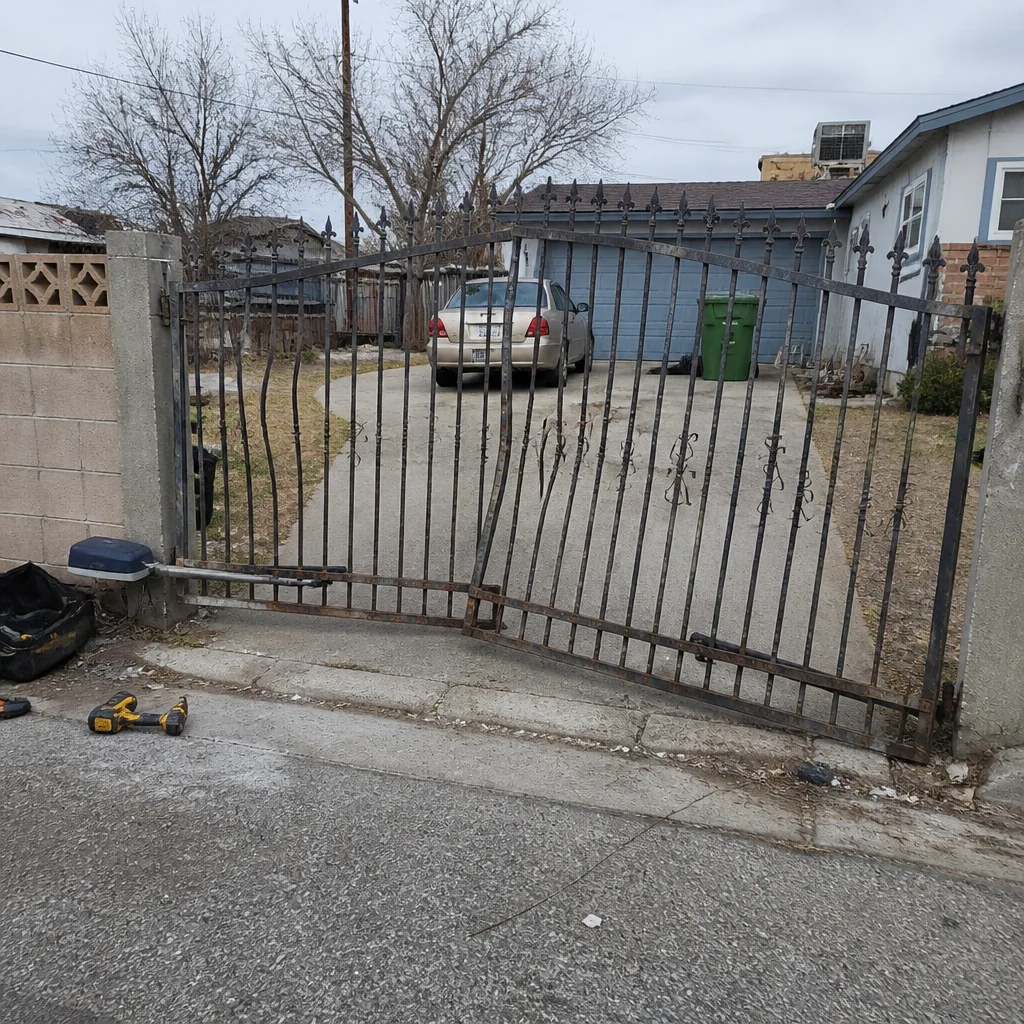 Before
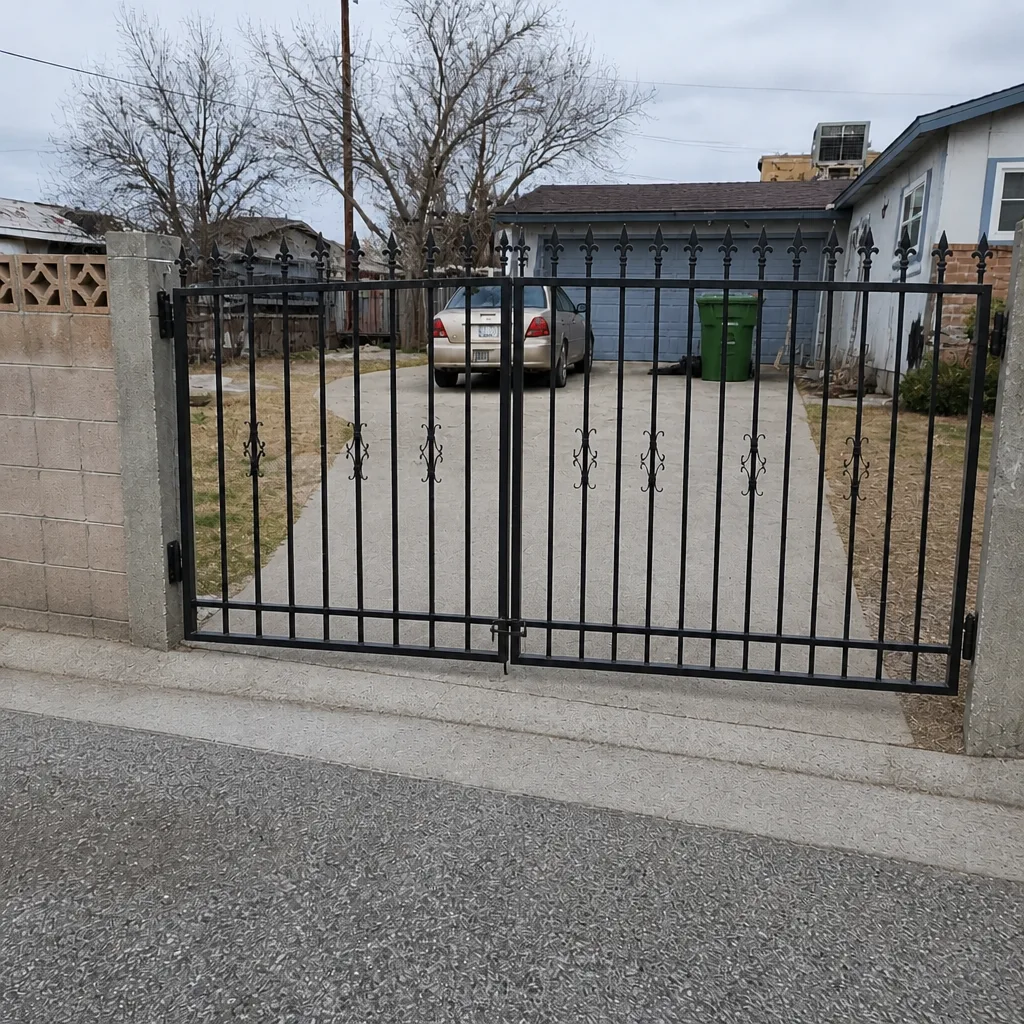 After
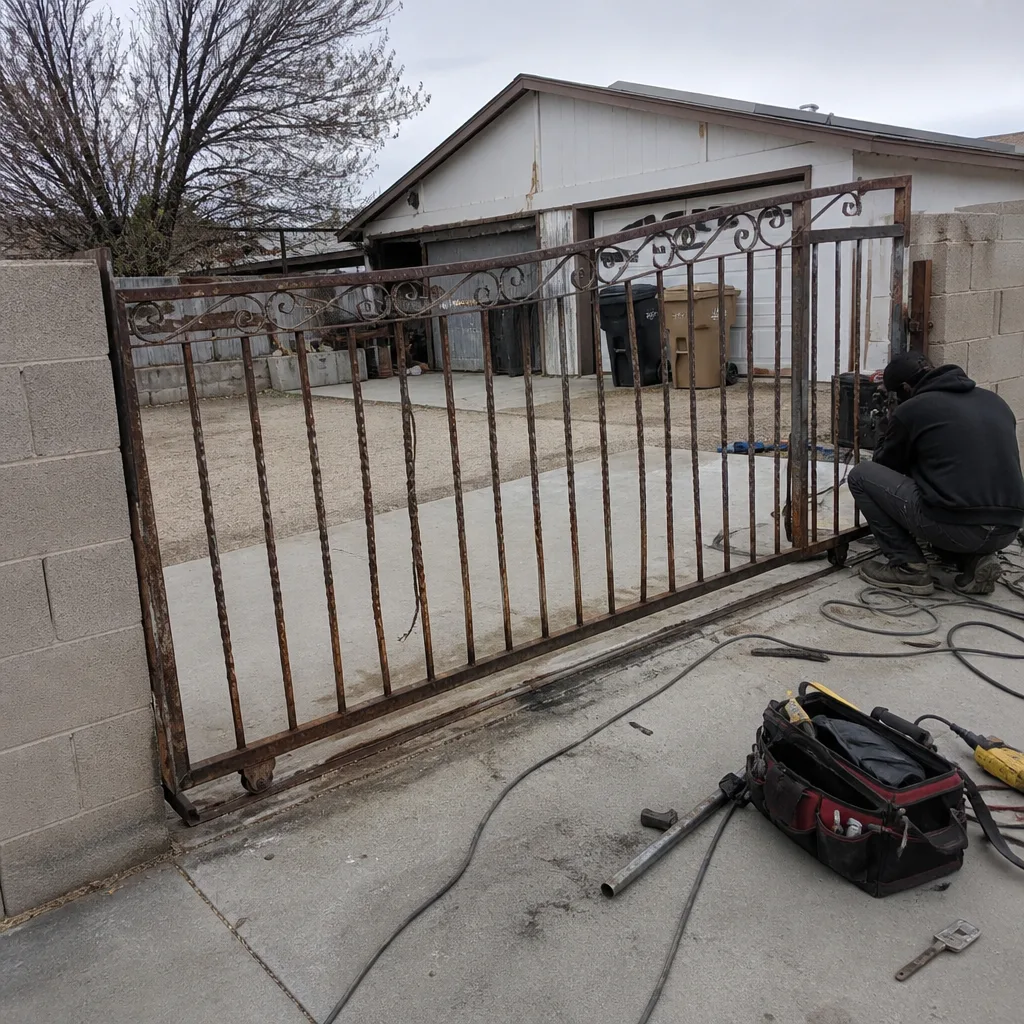 Before
 After
 Before
 After
When to Call a Professional
Some of this work you can do yourself. Metering a supply voltage and confirming a ground are safe checks for a careful homeowner. But once you’re jumpering operator inputs, pulling relays, or diagnosing a design problem across two manufacturers’ equipment, you’re in territory where a mistake costs more than a service call. Call us when the gate doesn’t respond after the physical checks pass, when the voltage is fine but the reader is still failing, when the operator ignores a confirmed unlock signal, or when the system has never worked right and has already been repaired more than once. Those are the jobs where the fault is buried in a layer you can’t reach with a screwdriver and a hunch.
Gatewood Fence & Gate Sunrise Manor offers free estimates in Sunrise Manor. We’ll meter the reader, test the relay, and trace the fault to its source before anyone touches a setting. Call (844) 761-8729.
Frequently Asked Questions
Intermittent failures are almost always a loose or corroded termination or a voltage problem that worsens as the housing heats up. Pull-test every wire at the terminal block and meter the supply voltage at the reader. If the fault follows the sun and shows up in the afternoon, suspect heat and voltage drop.
The unlock signal isn’t reaching the operator. Test it by jumpering the operator’s input terminals directly; if the gate opens, the fault is in the access panel or the wire between them, not the operator. A panel relay that clicks but doesn’t close is a common cause. Call (844) 761-8729 if you’d like us to trace it for you.
Usually yes, for anyone with a valid credential already stored in the panel’s local memory. Remote app unlock and any guest codes that were never downloaded will stop working, and the audit log buffers until the connection returns. Test your manual override before you need it.
Test the suspect credential on a second reader and a known-good credential on the suspect reader. If both fail, the reader or its wiring is at fault. If only the original credential fails, the credential or the controller’s memory is the problem.
A controller clock that has drifted because of a dead backup battery will fire scheduled access rules at the wrong time. Check the panel’s clock and its battery. If the time is wrong, the schedule is running off bad data.
Often yes for a repair, depending on the day. We answer every call live, 24/7, so there’s no voicemail to leave. Describe what happened and we’ll tell you honestly whether it’s a same-day repair or a scheduled job, and the price is quoted and agreed before any work starts.
The Bottom Line
Gate access control failures are less mysterious than they look. Meter the voltage at the reader, pull-test the terminations, confirm the ground, and you’ll solve the majority of problems before you ever open a laptop. When the physical layer is clean, isolate the fault one layer at a time: credential, reader, panel, operator. And when the system has never worked right, don’t keep repairing a design that was wrong from the start. That’s the pattern we see most in Sunrise Manor, and it’s the one a proper install fixes for good. If you’d rather hand it to someone who’ll find the real cause, call (844) 761-8729 for a free estimate.
Whether you need a repair, a second opinion, or a fresh gate installation, you can start from our Gatewood Fence & Gate Sunrise Manor home. Call (844) 761-8729 for a free estimate.
Written by the team at Gatewood Fence & Gate Sunrise Manor.